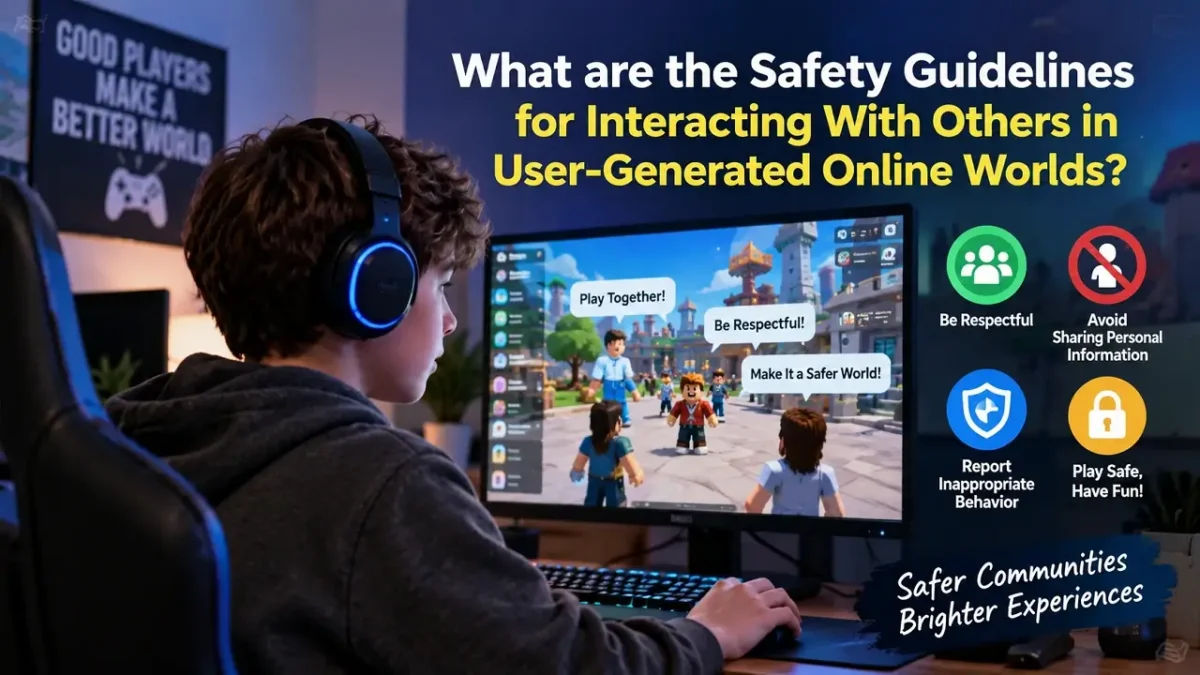
User-generated online worlds can be creative, social, and highly interactive, but the people you meet may be strangers. You should never assume that another player’s profile, age, identity, or intentions are genuine. The safest approach is to limit the information you share, use available privacy and reporting controls, protect your accounts, and leave conversations that make you uncomfortable.
Why is Online Safety Crucial in Virtual Worlds?
Virtual worlds allow you to chat, collaborate, trade, compete, and create with people from different backgrounds. That social freedom is part of what makes platforms such as Roblox and communities featured on Robloxian Verse interesting, but it also means you need sensible boundaries.
The biggest risks usually come from oversharing personal information, suspicious links, inappropriate conversations, account scams, harassment, impersonation, and attempts to move conversations away from a platform’s normal safety controls.
A practical rule is simple: if you would not comfortably share information with a stranger offline, do not share it with a stranger online.
What Are the 7 Essential Safety Guidelines for Interacting in Online Worlds?
Follow these seven practical Safety Guidelines for Online Worlds whenever you interact with other players:
- Protect your real-world identity. Avoid sharing your full name, home address, phone number, school, workplace, or exact location.
- Use privacy settings. Review who can contact you, follow you, join your activities, or see your profile.
- Keep conversations appropriate. Do not participate in conversations that pressure you to reveal private information.
- Never trust suspicious links. Unexpected links can lead to phishing pages, scams, or malicious downloads.
- Block and report bad behavior. Use platform tools when someone threatens, harasses, scams, or repeatedly contacts you.
- Protect your account. Use a unique password and enable multi-factor authentication where available.
- Trust your instincts. If an interaction feels manipulative, threatening, or uncomfortable, end it and seek help.
Protect Your Real-World Identity
Your username may be all another player needs to know. Avoid connecting your gaming identity with sensitive offline information.
Do not publicly post your address, personal phone number, passwords, financial information, school schedule, or detailed information about where you live. Be particularly careful with photographs or screenshots that may accidentally reveal identifying details.
Tips for Staying Safe When Chatting Online
When chatting with other players, keep conversations focused on the game or community. You do not need to prove your identity or friendship by revealing private information.
- Avoid sharing passwords or verification codes.
- Do not send private photos to strangers.
- Be cautious when someone asks you to move immediately to another messaging platform.
- Never accept pressure, threats, or emotional manipulation as a reason to share information.
- Block users who repeatedly cross your boundaries.
- Report serious or repeated violations to the platform.
Strive for Safe and Positive Online Interactions
Good online communities depend on respectful behavior from everyone. You can contribute by avoiding harassment, respecting boundaries, and reporting harmful behavior instead of escalating an argument.
If another player disagrees with you, you do not have to win the conversation. Muting, blocking, or leaving the experience can often be the safest response.
Top 5 Red Flags: What Should You AVOID in User-Generated Spaces?
Watch for these warning signs:
| Red flag | Why you should be cautious |
|---|---|
| Someone asks for your password | Legitimate users should never need your password |
| A stranger requests personal details | Information can be used to identify or manipulate you |
| Someone sends an unexpected login link | It may be a phishing attempt |
| A player pressures you to keep secrets | Secrecy can be a manipulation tactic |
| Someone threatens or repeatedly harasses you | Continuing the interaction can make the situation worse |
When you see one of these signs, stop, block, report, and tell a trusted person when appropriate.
How to Protect Your Accounts and Devices
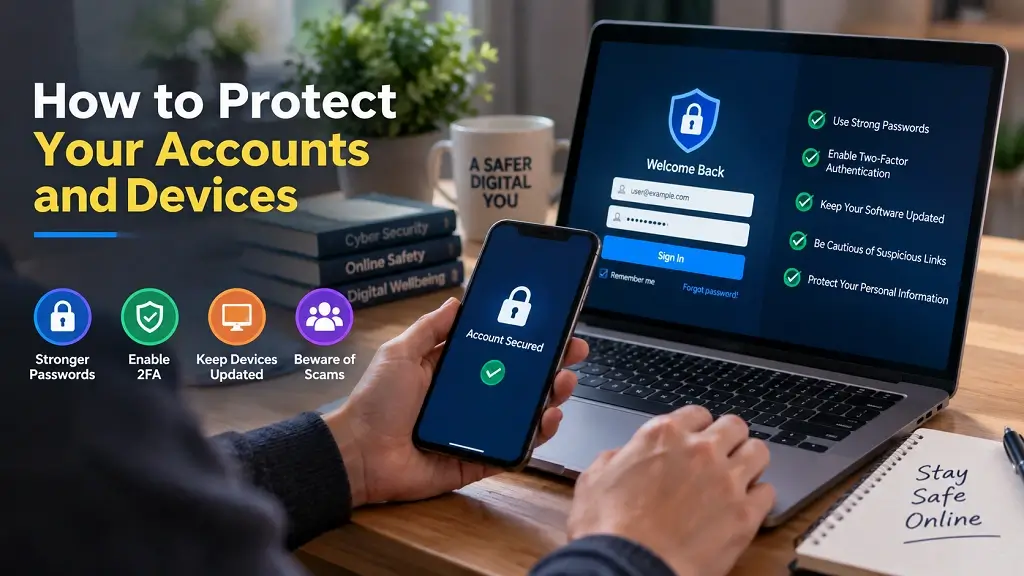
Strong account security is another essential part of the Safety Guidelines for Online Worlds. Even if you are careful during conversations, a weak account can expose your profile or digital possessions.
1. Use a Secure Internet Connection
Avoid logging into important accounts through unknown or unsecured networks when possible. On shared networks, take extra care before entering sensitive credentials.
2. Choose Strong Passwords & Enable Multi-Factor Authentication (MFA)
Create a unique password for your gaming account rather than reusing a password from another service. If the platform offers MFA, enable it.
Never give another person your password or one-time verification code, even if they claim to be a moderator, friend, administrator, or support representative.
3. Keep Software and Operating Systems Updated
Keep your operating system, browser, security software, and gaming applications updated. Security updates can address vulnerabilities that attackers may otherwise exploit.
You should also download games, applications, and updates from legitimate sources rather than suspicious websites or unofficial download links.
How Should We Guide Kids and Students in Online Worlds?
Children and students benefit most from practical rules they can remember. Instead of simply telling them that the internet is dangerous, teach them what to do when something feels wrong.
Explain that they can leave a conversation, block another user, report inappropriate behavior, and tell a trusted adult without worrying that they will automatically get in trouble.
Why is Online Safety Important for Students?
Students increasingly use online platforms for entertainment, communication, collaboration, and learning. Understanding privacy and responsible communication helps them recognize scams, inappropriate requests, cyberbullying, and other unsafe situations.
3 Crucial Online Safety Rules for Kids
Teach children these three rules first:
- Keep private information private.
- Never meet or communicate privately with strangers without appropriate adult guidance.
- Tell a trusted adult when something online feels scary, confusing, or inappropriate.
These simple rules are easier to remember than a long list of technical warnings.
What Does Online Safety Look Like at Different Ages?
| Age group | Useful safety focus |
|---|---|
| Younger children | Supervised play, privacy, simple rules, approved contacts |
| Older children | Privacy settings, blocking, reporting, suspicious links |
| Teenagers | Account security, phishing awareness, digital reputation, healthy boundaries |
The exact approach should match the child’s maturity, platform use, and ability to recognize risky behavior.
How Do You Play Safely in User-Generated Online Worlds?
You can enjoy user-generated games and communities without avoiding social interaction altogether. Before you start playing, review the platform’s privacy and communication settings. During gameplay, keep personal information private and avoid suspicious links or requests.
If you discover new experiences through Robloxian Verse, use the same safety habits: explore the game, interact respectfully, protect your account, and report behavior that violates the platform’s rules.
Final Thoughts
The best Safety Guidelines for Online Worlds are practical: protect your identity, think before you click, secure your account, communicate respectfully, and act quickly when something feels wrong. You can still enjoy the creativity and social experiences of user-generated worlds while making safer decisions.
For Robloxian Verse readers, the goal is not to avoid online communities—it is to explore them confidently while knowing how to recognize risks, protect yourself, and interact responsibly.