The exact experience you can access may depend on the developer’s platform support. Some Robloxian Games and Experiences work across multiple devices, while certain features, controls, or performance levels can vary between platforms. If you use Robloxian Verse to discover new games and experiences, checking the supported device before playing can save you time and help you choose the best way to play.
What platforms can you use for Robloxian games and experiences?
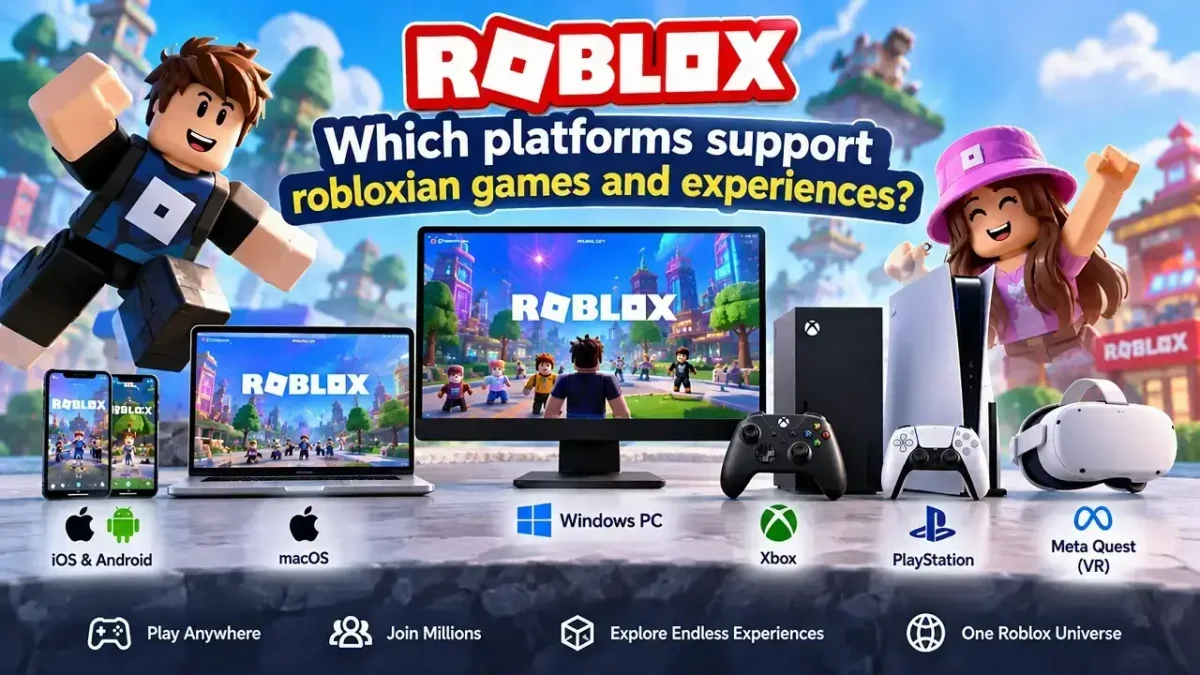
Roblox has expanded beyond traditional PC gaming, allowing you to access a large selection of experiences from different devices. Here are the major platforms you can use:
| Platform | Roblox Support | Best For |
|---|---|---|
| Windows PC | Yes | High-performance gaming |
| Mac | Yes | Desktop and laptop players |
| Xbox | Yes | Console gaming |
| PlayStation | Yes | Console players |
| iPhone/iPad | Yes | Gaming on the go |
| Android | Yes | Mobile gaming |
| Meta Quest | Supported | Immersive VR experiences |
1. Windows PC
Windows is one of the most flexible options for robloxian games and experiences. You can use a keyboard and mouse, adjust your graphics settings, and take advantage of stronger PC hardware when available.
If you regularly play demanding experiences, a capable Windows PC can provide smoother performance and more control over graphical settings.
2. Mac
Mac users can also enjoy Roblox through supported versions of macOS. A MacBook or iMac can be a convenient choice if you already use Apple hardware for school, work, or everyday activities.
Performance can vary depending on your Mac model, so newer hardware may provide a better experience in visually demanding games.
3. Xbox and PlayStation
Console support makes Robloxian games and experiences easier to enjoy from your living room.
Using a controller can feel particularly comfortable for:
- Adventure experiences
- Racing games
- Obby-style challenges
- Fighting and action games
- Sports experiences
- Multiplayer adventures
However, you may notice differences in controls compared with a keyboard-and-mouse setup.
Can you play Robloxian games and experiences on mobile?
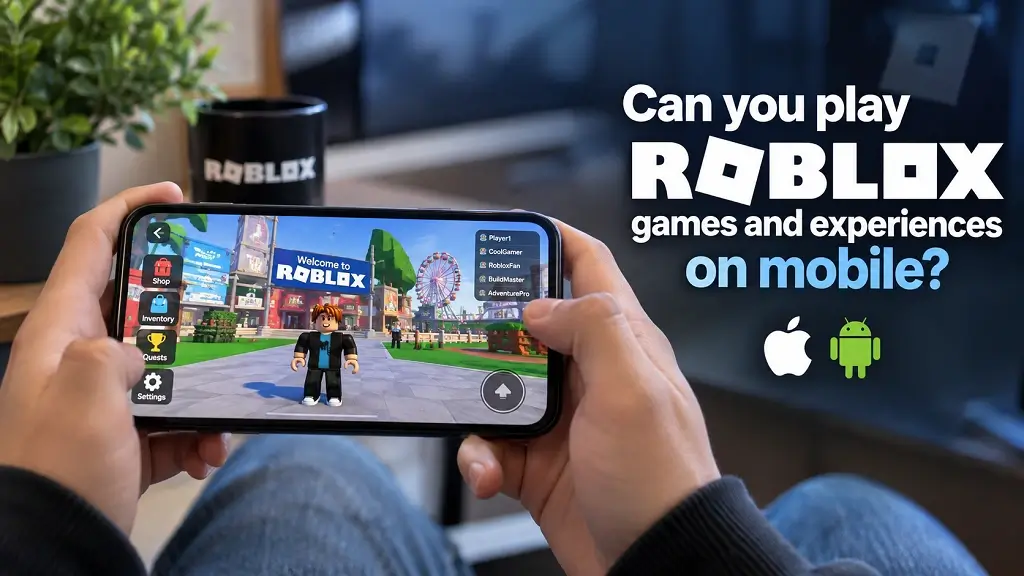
Yes. You can play supported Roblox experiences on iOS and Android devices.
Mobile gaming is useful when you want quick access without sitting at a computer or console. Touch controls are convenient, although some experiences may feel easier to control with a physical keyboard, mouse, or controller. Before installing or updating Roblox, make sure your device meets the current app and operating-system requirements.
Can you play Robloxian games and experiences in VR?
Yes, Roblox supports compatible Meta Quest VR devices, opening the door to more immersive experiences.
VR can be especially interesting when an experience has been designed with virtual reality interaction in mind. Instead of simply looking at the game world through a screen, you can interact with supported environments using VR controls.
Keep in mind that not every Roblox experience is designed specifically for VR, so your experience can differ depending on the game and device.
Which platform is best for Robloxian games and experiences?
There isn’t one perfect platform for everyone. Your best option depends on how you like to play.
- PC: Choose it for flexible controls and graphics options.
- Mac: A practical choice if you already use Apple hardware.
- Xbox/PlayStation: Great if you prefer controller-based gaming.
- iOS/Android: Best for portability and quick sessions.
- Meta Quest: Ideal when you want supported experiences in VR.
For competitive or control-heavy experiences, you may prefer a keyboard and mouse. For relaxed couch gaming, a console controller can be more comfortable.
How do you play Robloxian games and experiences?
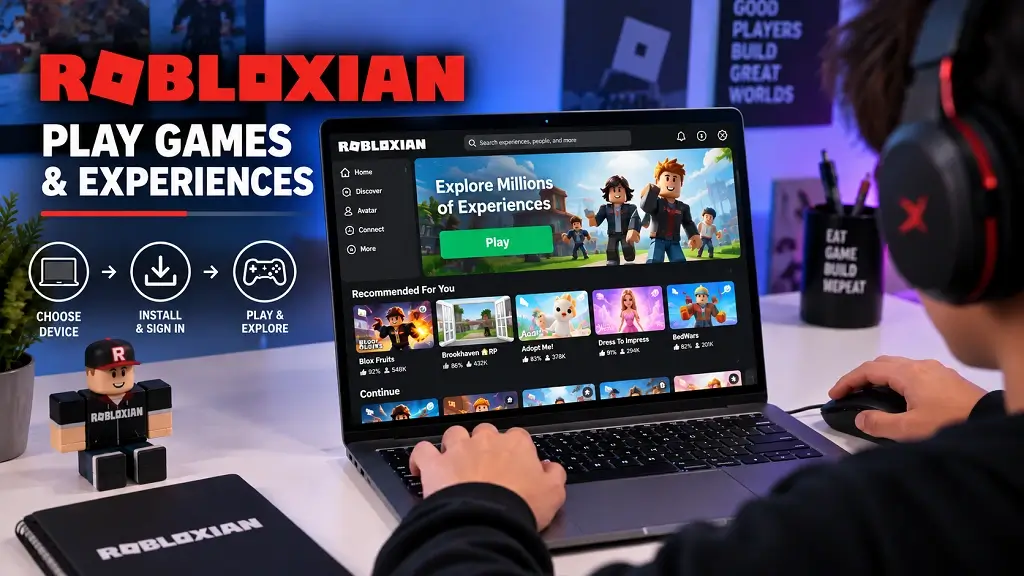
Getting started is straightforward.
- Choose your supported device.
- Install or open Roblox through the appropriate platform.
- Sign in to your Roblox account.
- Search for an experience you want to play.
- Open the experience page and review its available information.
- Select Play to launch the experience.
- Adjust your controls and graphics if necessary.
- Start exploring and interacting with the game world.
For the best results, keep Roblox and your device’s operating system updated. A stable internet connection can also help reduce connection-related interruptions during multiplayer sessions.
How can Robloxian Verse help you discover new experiences?
Robloxian Verse can serve as a convenient discovery destination for players who want to explore robloxian games and experiences without endlessly searching through categories.
When you’re choosing an experience, look beyond the title. Check what type of gameplay it offers, whether it suits your preferred device, and whether its controls match how you like to play. This approach can help you spend less time searching and more time finding experiences that actually match your interests.
Final Thoughts
You have several ways to enjoy robloxian games and experiences, from PC and Mac to Xbox, PlayStation, mobile devices, and supported VR hardware. The right platform ultimately comes down to your preferred controls, portability, performance needs, and whether the individual experience supports your device.
For Robloxian Verse, keeping platform information clear alongside