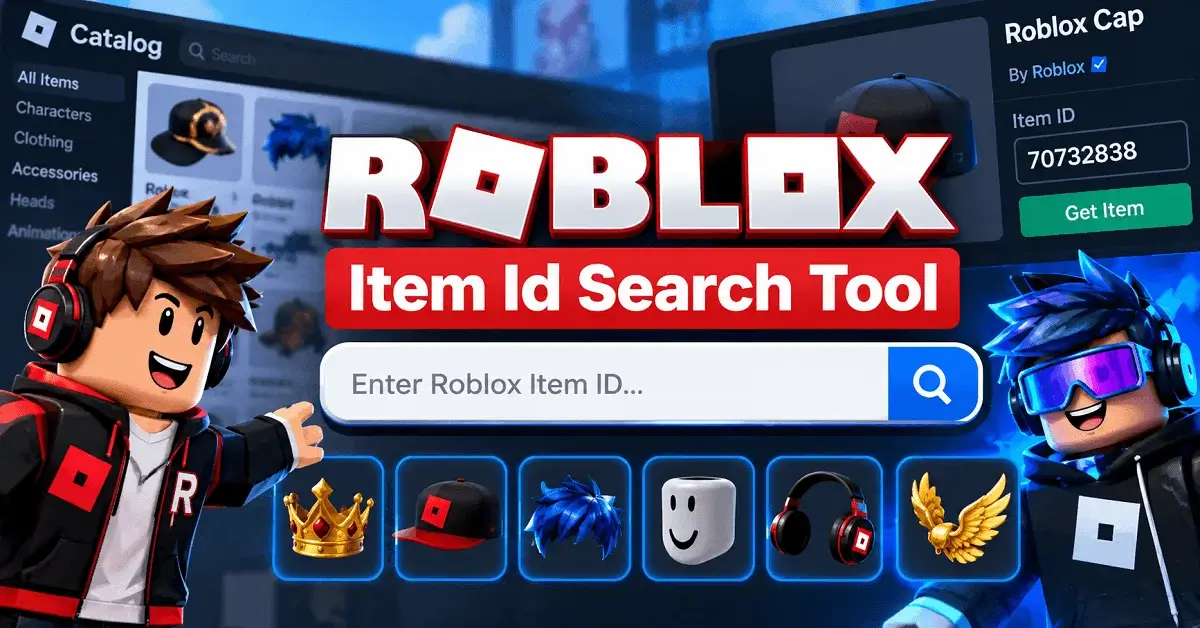
With Robloxian Item Finder, you can quickly search for Roblox items and explore the asset details you need without manually browsing through endless catalog results. Once you find the right item, you can use its information to identify the relevant ID for your Roblox project, avatar research, or game-related needs. If you’re building an outfit around the item, RobloxianVerse’s Outfit Builder can also help you explore compatible avatar combinations.
What is a Roblox Item ID, and Why Do You Need It?
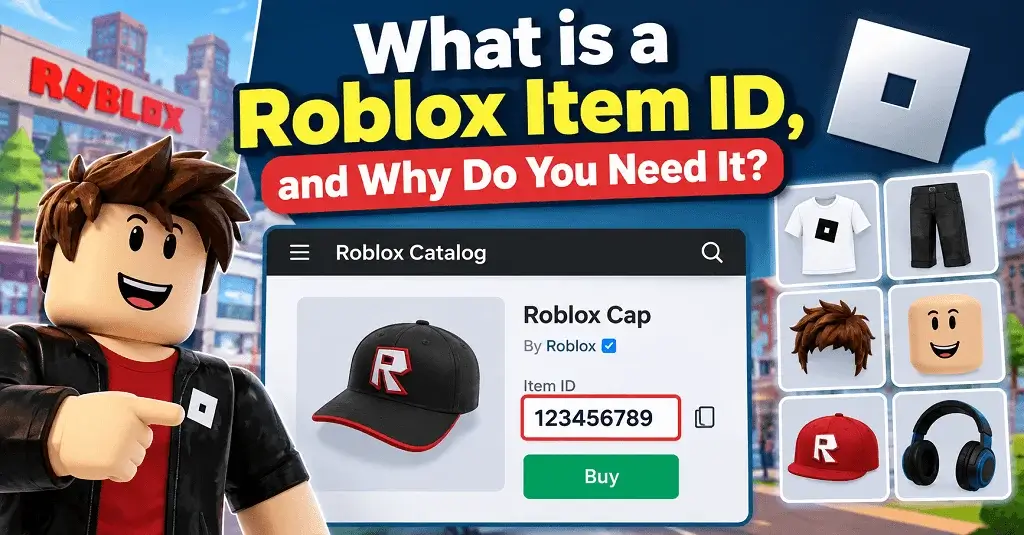
A Roblox item ID is a unique numerical identifier associated with an item on Roblox. Depending on the item and where you are using it, the ID can help you identify or reference specific catalog content.
For example, you may encounter IDs for:
- Shirts and T-shirts
- Pants and other clothing
- Hair and face accessories
- Hats and layered clothing
- Avatar accessories
- Gear and other catalog items
- Roblox audio or music assets
A Roblox item ID search tool can be particularly useful when you already know the item name but need to locate its numerical identifier quickly.
Roblox Item IDs vs. Promo Codes: What’s the Difference?
These two terms are often confused, but they serve different purposes.
| Feature | Roblox Item ID | Roblox Promo Code |
|---|---|---|
| Purpose | Identifies a specific Roblox asset | May provide an eligible reward |
| Format | Usually a numerical ID | Usually an alphanumeric code |
| Used for | Finding or referencing assets | Redeeming promotional rewards |
| Where found | Roblox asset/catalog URLs and tools | Official promotions or events |
| Can every ID give rewards? | No | Not necessarily; eligibility applies |
An important point is that having an item ID does not automatically mean you can obtain or use the item. Roblox determines availability, permissions, ownership, and functionality.
How to Use Our Roblox Item ID Search Tool Effectively
The easiest way to use the Roblox Item ID Search Tool is to start with the exact item you are looking for instead of searching randomly. Using RobloxianVerse Item Finder, you can search by the item name or related catalog information and quickly check the matching results.
For better results, start with the exact item name or the closest name you remember. If your first search does not show the right result, try using shorter or more general keywords. Once you find a matching item, check its item type and carefully verify that it is the asset you are looking for before copying the ID.
It is also a good idea to keep the original Roblox item page open for confirmation. This helps you compare the item name, appearance, and other catalog details so you can make sure you are using the correct Roblox Item ID.
A Step-by-Step Guide to Finding Clothes, Hair, and Accessories
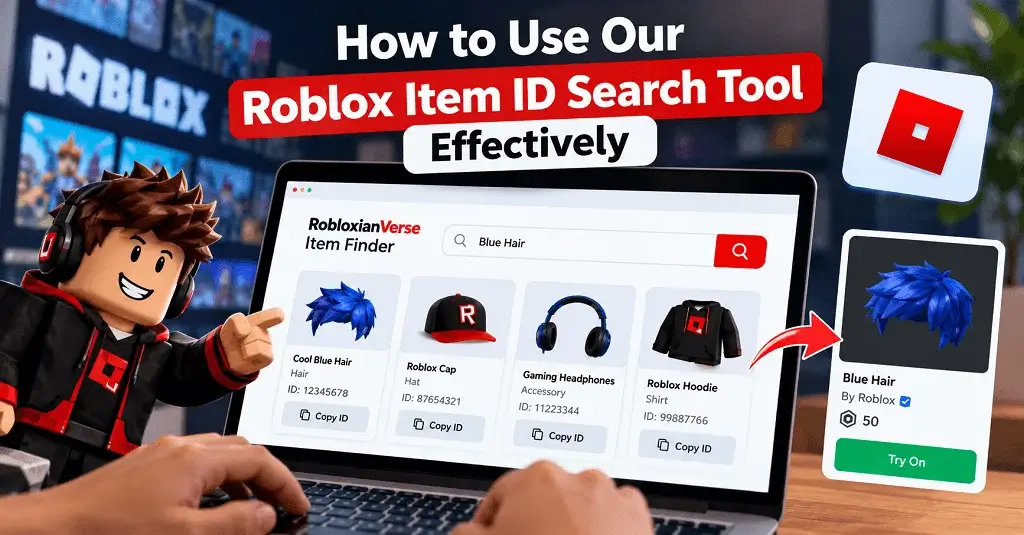
Follow this simple workflow:
- Open the RobloxianVerse Item Finder.
- Enter the name or keyword for the Roblox item.
- Review the matching results.
- Identify the correct item by its name and preview.
- Check the item’s ID or asset information.
- Copy the relevant ID.
- Test or use it only in a Roblox-supported context.
If you cannot find the item, try variations of its name. For example, instead of searching for a long phrase such as “black futuristic cyberpunk layered jacket,” start with “cyberpunk jacket” and refine the results.
How Can I Find Working Roblox Audio and Music Codes?
Audio deserves extra attention because Roblox audio availability can change. An ID that existed previously may become unavailable, restricted, moderated, or inaccessible depending on Roblox’s current policies and the permissions associated with the asset.
When searching for audio:
- Search using the track or audio name.
- Confirm that the result is actually an audio asset.
- Check whether the audio is available for your intended use.
- Don’t assume an old Roblox music code will still work.
- Avoid websites promising unauthorized access to restricted audio.
The Roblox item ID search tool is useful for locating asset information, but availability ultimately depends on Roblox.
Best Tips for Searching the Roblox Catalog Like a Pro
A little search discipline can save you significant time.
1. Use Specific Keywords
Start with the most important part of the item name. If you are looking for a particular hair style, search the recognizable name first.
2. Search by Item Type
Knowing whether you need clothing, hair, an accessory, or another asset helps you eliminate irrelevant results.
3. Verify Before Using an ID
Never assume the first numerical ID you find is correct. Compare the item name, thumbnail, creator information, and asset type where available.
4. Keep IDs Organized
If you frequently create Roblox outfits, maintain a simple list of useful IDs categorized by:
- Hair
- Hats
- Faces
- Shirts
- Pants
- Accessories
- Other avatar items
5. Combine RobloxianVerse Tools
RobloxianVerse is not limited to an Item Finder. You can also use the Outfit Builder to explore avatar combinations and Game Finder to discover Roblox experiences. Using these tools together can make your Roblox research workflow much more efficient.
Are Third-Party Roblox Item ID Search Tools Safe to Use?
Third-party Roblox item ID search tools can be useful when you want to quickly find catalog items, but it is still important to follow basic security practices. A legitimate item search website should not ask you to provide sensitive Roblox account information just to search for an item ID.
Be careful when using any website that asks for your Roblox password, account cookies, authentication tokens, or other private account details. You should also avoid websites that ask you to install unknown browser extensions, download suspicious executable files, or disable your browser’s security protections. These requests are not normally necessary for simply searching for a Roblox item ID.
A simple rule to remember is that an item search tool should not require your Roblox login credentials. You should be able to search for an item, view its details, and find the relevant ID without giving the website access to your Roblox account.
Robloxian Verse tools are designed around item discovery and search, allowing users to look for Roblox items without needing to provide sensitive Roblox account information.
Troubleshooting: Why Is My Roblox Item ID Not Working in Game?
Finding an ID is only the first step. The asset may still fail to work because of Roblox’s current restrictions or because the particular game does not support the asset.
Check these common causes:
| Problem | Possible Reason | What to Check |
|---|---|---|
| Item cannot be found | Incorrect ID | Recheck the number |
| Asset unavailable | Roblox availability changed | Visit the original asset |
| Audio doesn’t play | Permissions/restrictions | Check audio availability |
| Wrong item appears | Similar search result | Verify thumbnail and name |
| Game rejects item | Game-specific limitations | Check the game’s supported assets |
| Old ID stopped working | Asset status changed | Search for a current alternative |
If an ID worked previously but no longer does, don’t immediately assume the Roblox item ID search tool is broken. Roblox can change asset availability and permissions over time.
Final Thoughts
Finding Roblox assets does not have to mean opening dozens of catalog pages and manually comparing results. A reliable Roblox item ID search tool gives you a faster starting point for locating the items you need.
With Robloxian Verse, you can go beyond basic item searching by combining the Item Finder. Whether you are building a new avatar, researching an accessory, or discovering your next Roblox experience, these tools can help streamline the process while keeping your search organized and practical.