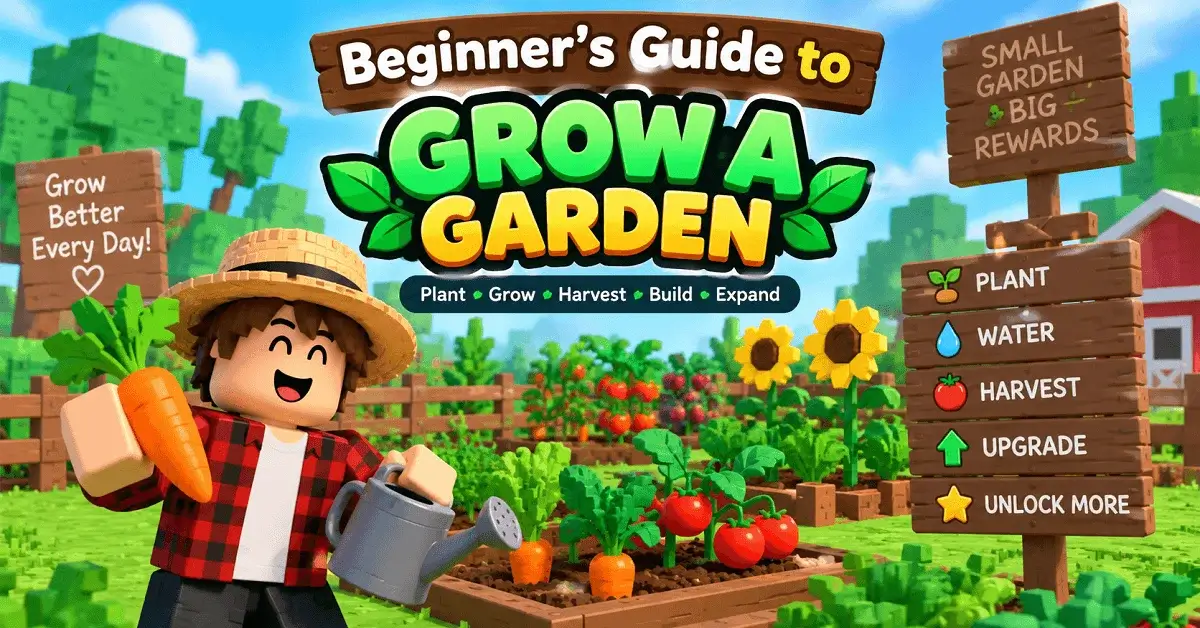
Start by buying an affordable seed, planting it on your plot, waiting for it to grow, harvesting the crop, and selling it for Sheckles. Then reinvest your earnings into better seeds, pets, and useful gear. The official Roblox description confirms this basic loop and says your garden continues growing while you are offline.
If you are new to Grow a Garden Guide, you do not need to understand every pet, mutation, event, or item on your first day. Build a reliable farming routine first, then add new systems as your garden grows.
Grow a Garden Beginner’s Guide: Start With These 5 Steps
Your first few minutes should be simple. Follow this progression:
- Visit the Seed Shop and check the available stock.
- Buy an affordable seed that fits your current Sheckles.
- Equip the seed and plant it on the brown soil in your plot.
- Wait for the crop to grow, then harvest it.
- Sell your harvest and reinvest the earnings into your next planting cycle.
This seed-to-harvest loop is the foundation of the game.
Tips: Do not spend all your Sheckles on one expensive item. Keeping enough currency for another useful seed gives you more consistent progress.
Grow a Garden Levels and Early Progression
Think of your progress in stages rather than rushing toward rare items.
| Level | Main Goal | What You Should Focus On |
|---|---|---|
| Level 1: Starter | Learn farming | Seeds, planting, harvesting |
| Level 2: Growing | Build income | Reinvest Sheckles into crops |
| Level 3: Developing | Improve efficiency | Better crops and useful gear |
| Level 4: Advanced | Increase value | Pets, mutations and stronger farming setups |
| Level 5: Experienced | Optimize your garden | Events, trading and efficient crop management |
These are practical progression stages for learning the game, not official Roblox level names.
Best Beginner Strategy for Grow a Garden
Your goal should be consistent income before maximum profit. A rare seed is not automatically the best choice if it consumes your entire budget or takes too long to produce useful returns.
Use this simple strategy:
- Keep at least one dependable crop cycle running.
- Check the Seed Shop when stock refreshes.
- Reinvest early profits instead of letting your currency sit unused.
- Leave crops planted when you log off to take advantage of offline growth.
- Add pets when their abilities solve a real farming need.
- Use gear when it improves a repeated task.
- Watch valuable crops for mutations before selling them.
Community guides also recommend measuring seed cost, harvest pattern, plot space, and offline time rather than blindly following fixed profit rankings.
Pets, Mutations and Gear: When Should You Use Them?
Once your basic farm is producing Sheckles, you can start exploring the deeper systems.
- Pets: Pets can add useful effects to your farming setup. Before spending heavily, read the current pet ability and decide whether it actually helps your goal.
- Mutations: Mutated crops can have higher value, but exact mutation mechanics and multipliers can change with updates. Treat current in-game information as the source of truth.
- Gear: Sprinklers and other equipment can improve specific farming tasks. Buy gear when it solves a problem you repeatedly face, not simply because it looks powerful.
This approach also makes it easier to understand which item actually improved your garden.
Grow a Garden Tips for New Players
If you are building a Robloxian Verse Guide page around Roblox games, use Grow a Garden as an example of why beginner guides should focus on the actual gameplay loop.
For your first session, remember:
- Start with affordable seeds.
- Protect your Sheckle reserve.
- Build a repeatable harvest cycle.
- Add pets after understanding their abilities.
- Learn mutations gradually.
- Buy gear for a clear purpose.
- Check current shop and event information before making major decisions.
Do not confuse the original Grow a Garden experience with similarly named games or sequels. Search results can contain separate experiences, so verify the Roblox experience before following a guide or code.
Common Beginner Mistakes
New players often try to optimize everything too early. Avoid these mistakes:
- Spending all your Sheckles on one rare purchase.
- Copying an old crop ranking without checking current game conditions.
- Buying pets without understanding their abilities.
- Following outdated event information.
- Confusing Grow a Garden with another Roblox experience.
- Changing your entire garden because one crop performed poorly.
- Trusting external sites that ask for your Roblox login details.
A strong beginner garden is not about having the rarest items. It is about creating a farming cycle you can repeat and improve.
Final Thoughts
The easiest way to learn Grow a Garden is to avoid rushing. Start with the basic seed, plant, harvest, sell and reinvest cycle. Once that routine becomes comfortable, explore pets, mutations, gear and events.
The biggest beginner upgrade is not always a rare item. It is understanding why each purchase improves your garden. Build a stable farm first, then turn that foundation into a more efficient setup as you gain experience.