Creating a Robloxian world is more than placing blocks on a map. You need a good building workflow, useful assets, basic scripting knowledge, and plenty of testing. With the right tools, you can turn a simple idea into an engaging Roblox experience.
Why Is Roblox Studio the Best Tool for Creating Robloxian Worlds?
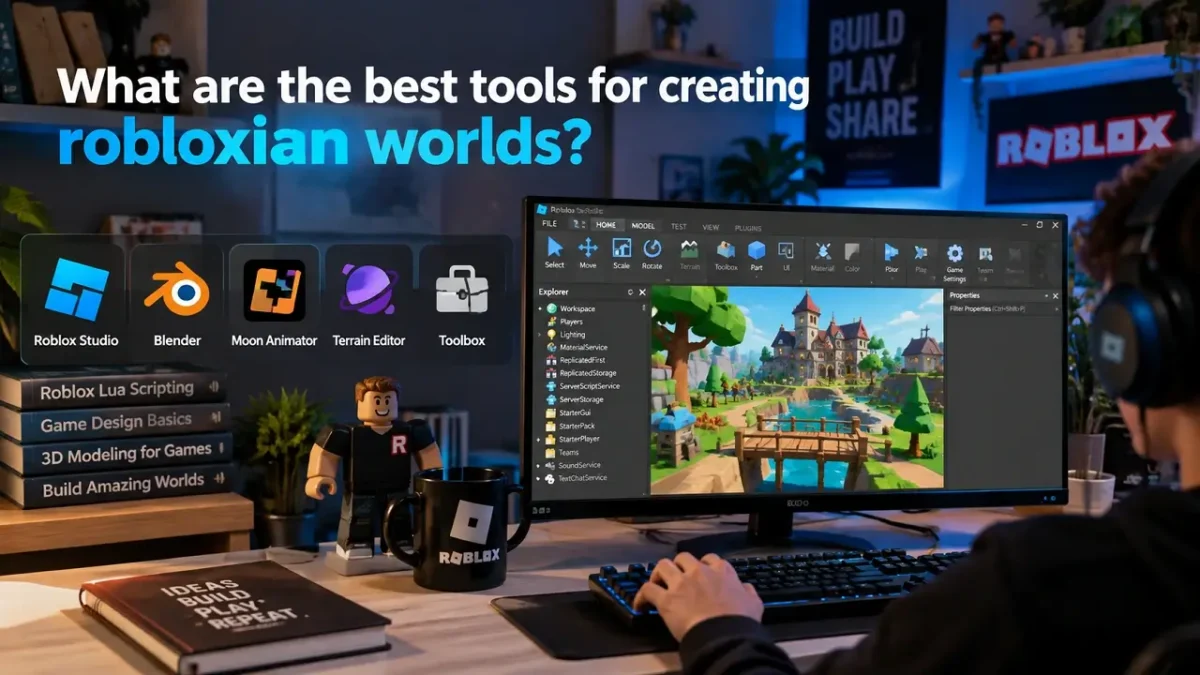
Roblox Studio is the main development environment for building Roblox experiences. It brings building, scripting, testing, lighting, terrain, and asset management into one workspace.
For beginners, this makes the learning process easier because you do not need several separate programs to create your first world.
When creating Robloxian worlds, you can use Roblox Studio to:
- Build maps and detailed environments
- Create terrain such as mountains, rivers, and islands
- Add interactive objects and game mechanics
- Write scripts using Luau
- Test your world before players see it
- Adjust lighting, materials, and visual effects
- Publish and update your experience
The biggest advantage is the ability to build and test repeatedly. Experienced creators rarely try to make everything perfect on the first attempt. They test small sections, find problems, and improve the experience step by step.
Which Tools Help You Build Better Robloxian Worlds?
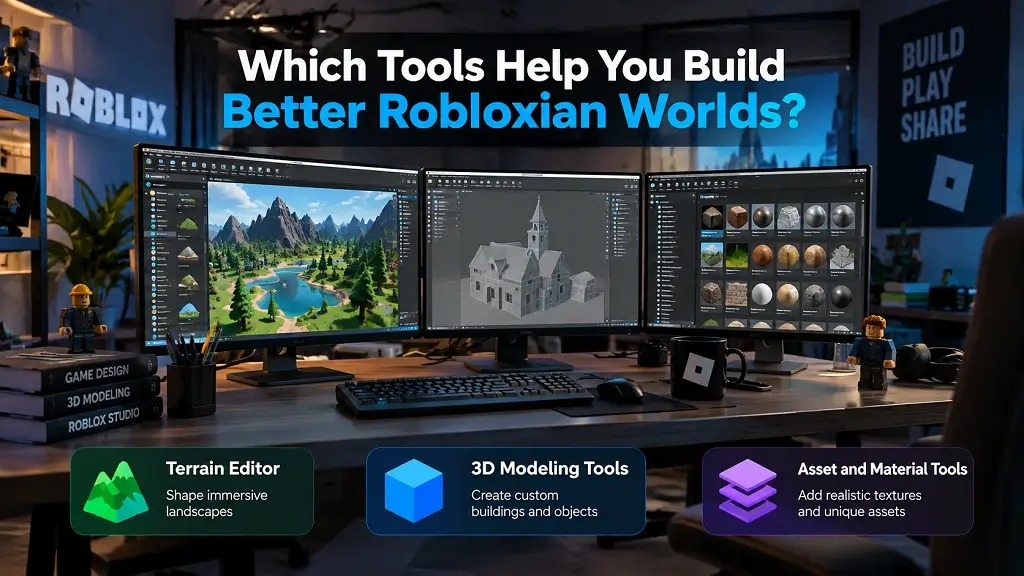
Roblox Studio should be your core tool, but additional tools can improve your workflow.
1. Terrain Editor
Want to create a large outdoor map? The Terrain Editor can help you shape natural-looking landscapes.
You can use it for:
- Mountains and hills
- Beaches and islands
- Rivers and lakes
- Caves and underground areas
- Forest and outdoor environments
Terrain works especially well when you want your Robloxian world to feel less like a collection of blocks and more like a complete environment.
2. 3D Modeling Tools
For custom objects, advanced creators may use external 3D software before importing compatible assets into Roblox Studio.
This can help when you want unique:
- Buildings
- Vehicles
- Props
- Furniture
- Weapons or tools
- Decorative objects
However, you should avoid adding unnecessary detail. A highly detailed model that hurts performance can make your game less enjoyable.
3. Asset and Material Tools
Reusable assets can speed up creating Robloxian worlds. You can start with simple components, then customize them to match your game’s theme.
Before adding an asset, check its quality, performance impact, and whether it actually improves gameplay.
How Does Scripting Make a Robloxian World More Interactive?
A beautiful map is only part of a successful Roblox experience. Scripting gives your world behavior.
Roblox uses Luau, a scripting language derived from Lua. You can use scripts to create gameplay systems and interactive features.
For example, scripting can control:
- Doors and switches
- Player checkpoints
- Coins and rewards
- Quests
- NPC behavior
- Teleportation
- Leaderboards
- Game rounds
- Shops and inventories
If you are new to development, start with one simple mechanic. Build it, test it, and understand why it works before moving to a larger system.
This approach is much easier than trying to create an entire game with complicated systems at once.
What Should You Focus on When Creating Robloxian Worlds?
Good world design is not simply about making a huge map. Your players need a reason to explore it.
Keep these principles in mind:
| World-building factor | Why it matters |
|---|---|
| Clear layout | Helps players understand where to go |
| Visual landmarks | Makes navigation easier |
| Interactive areas | Gives players reasons to explore |
| Consistent theme | Makes the world feel connected |
| Performance | Helps maintain a smoother experience |
| Playtesting | Reveals confusing or broken areas |
A common mistake is building a massive world before deciding what players will actually do inside it.
Instead, create a smaller playable area first. Test the core gameplay. Then expand the world around what works.
How Can You Make Your Robloxian World More Engaging?
When creating Robloxian worlds, think about the player’s experience from the first few seconds.
Ask yourself:
- What does the player notice first?
- Is the objective immediately understandable?
- Where should the player go next?
- Is exploration rewarding?
- Are there interesting discoveries?
- Does the environment support the gameplay?
You can also add environmental storytelling. Signs, buildings, NPC dialogue, hidden areas, collectibles, and visual clues can make a simple map feel much more meaningful.
How Does Robloxian Verse Help You Explore Roblox Worlds?
Robloxian Verse can complement your world-building journey by giving Roblox players a dedicated place to discover Roblox-related games, ideas, guides, and content.
Whether you are learning about game mechanics or looking for inspiration for your next project, exploring different Roblox experiences can help you understand what makes players stop, explore, and keep playing.
For creators, studying successful experiences is useful—but you should use them as inspiration rather than simply copying their designs.
How Do You Start Creating Robloxian Worlds?
Start by installing Roblox Studio and creating a simple project. Build a small environment, add a basic gameplay objective, and test it.
You do not need advanced modeling or complex scripting skills to make your first playable world. Focus on learning one development skill at a time and gradually increase the complexity of your projects.
Final Thoughts
Creating Robloxian Worlds becomes much easier when you choose tools according to your goals. Start with Roblox Studio, use Terrain Editor for natural environments, learn Luau for interactive gameplay, and bring in Blender when custom 3D assets can genuinely improve your project.
The most important lesson is simple: build for the player, not just for the map. A beautiful world becomes far more powerful when exploration, interaction, progression, and gameplay work together. Whether you are experimenting with your first Roblox project or developing a larger RobloxianVerse experience, a focused workflow can turn a basic idea into an exciting world players want to explore.