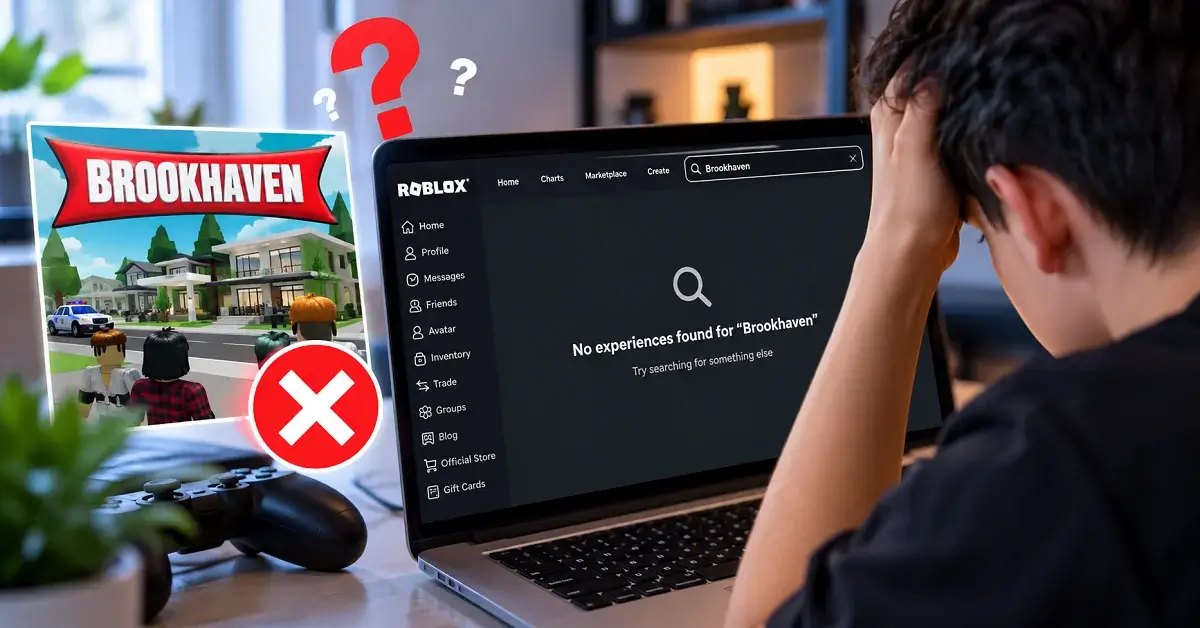
Before switching to another game, check the official Brookhaven RP and follow the troubleshooting steps below. You can also explore browser-based access options and similar roleplay games if your usual setup is not working. This guide helps you separate genuine issues from online rumors, avoid fake game links, and choose an alternative that fits your play style.
What Is Brookhaven RP on Roblox? (Gameplay & Features)
Brookhaven RP is an open-ended social roleplay experience where you create everyday stories instead of following a fixed campaign. According to its official game page, you can explore the town, choose houses, drive vehicles, and interact with other players.
Its main attractions include:
- House and lifestyle roleplay: Choose a home and create family, friendship, or neighborhood stories.
- Vehicles and exploration: Travel around the town and explore different locations.
- Character-based scenarios: Play roles such as a doctor, police officer, student, or shop owner.
- Social freedom: Build your own activities with friends rather than completing a strict mission list.
- Regular updates: New locations, items, vehicles, and themed content can refresh the experience.
If you enjoy creating your own stories, Brookhaven’s flexible gameplay is a major part of its appeal. Readers researching Robloxian Verse gaming guides should also remember that similar roleplay experiences can offer different maps, activities, and progression systems.
Has Brookhaven Been Deleted or Banned from Roblox? (Rumors Debunked)
Brookhaven RP is still listed on Roblox under its official experience page, and the official Brookhaven website continues to publish game updates. When this guide was checked, Roblox’s public status page reported its listed systems as operational.
These checks provide no public indication that Brookhaven has been permanently removed from Roblox or banned platform-wide. However, this does not guarantee that every player can access the game at all times. A missing search result or loading error may be related to a temporary service issue, a device or connection problem, an account restriction, or an issue affecting the experience itself.
Before assuming the game has been deleted, check these official sources:
- Official Brookhaven RP experience on Roblox
- Official Brookhaven website and updates
- Roblox Status page
If the official experience page is available but you cannot join the game, follow the troubleshooting steps below. A failed search or launch alone is not proof that Brookhaven has been removed.
Why Is Brookhaven Not Loading on Roblox?
When Brookhaven does not open, identify whether the issue affects only this experience or Roblox as a whole. This simple distinction can save you time.
Try these seven practical fixes in order:
- Check Roblox server status. If Roblox reports a service disruption, wait for the platform to recover before changing your device settings.
- Refresh the experience page. Close Roblox, reopen the official listing, and try joining again.
- Test your internet connection. Switch between Wi-Fi and mobile data when possible. Restart your router if other services are also struggling.
- Update Roblox. Install the latest available version from your device’s official app store or Roblox’s official website.
- Restart your device. This can clear temporary software problems affecting the game client.
- Clear browser cache or troubleshoot the app. On a computer, test an updated browser and temporarily disable extensions that may interfere with loading.
- Reinstall Roblox if necessary. If other experiences also fail, reinstall the official application after checking your login details and account access.
Quick Troubleshooting Tip:
First, try opening another Roblox experience. If other games work but Brookhaven does not, check the official Brookhaven listing for availability issues. If multiple games fail, check Roblox server status and your internet connection before reinstalling the app.
If only Brookhaven fails while other games work, the issue may be specific to the experience or its servers. Avoid repeatedly reinstalling everything until you have tested the simpler fixes.
Brookhaven Troubleshooting: Identify the Problem
| Problem | What to Check | Recommended Action |
|---|---|---|
| Brookhaven missing from search | Official game listing | Open the verified Brookhaven RP page directly. |
| Game will not load | Roblox service status | Check for an ongoing platform disruption. |
| Other Roblox games also fail | Internet and app connection | Test your connection and restart Roblox. |
| Only Brookhaven fails | Experience availability | Retry later and check official game updates. |
| Access is restricted | Account and parental settings | Review applicable account restrictions and privacy settings. |
These checks help narrow down the likely cause, but they do not guarantee a fix. If the issue continues, note the exact error message and device you are using before trying additional troubleshooting steps.
How to Play Brookhaven Without the Roblox App
You normally access Brookhaven through Roblox’s supported website and game client. If you cannot install the app or prefer browser access, a cloud gaming service may offer another route.
However, browser-based cloud play is different from running Roblox directly in your browser. Your game session is streamed from another system, so performance depends on your connection, the provider’s availability, and its controls.
Can You Play Brookhaven in a Browser Without Installing Roblox?
The recommended way to access Brookhaven RP is through its official Roblox experience page and supported Roblox application.
Some third-party cloud gaming services advertise browser-based access to Roblox games. These services are independent of Roblox, and their availability, performance, privacy practices, and sign-in requirements may vary.
Before using any third-party service, review its privacy policy and security requirements. Never enter your Roblox password on an unfamiliar website or download unverified software. If you are unsure whether a service is legitimate, use Roblox’s official website and application instead.
Safety First: Is Brookhaven on Roblox Inappropriate?
Brookhaven is designed around social roleplay, homes, vehicles, and everyday activities. Its official parents’ guide describes the experience’s intended content and safety approach.
That does not mean every online interaction is automatically safe. Other players may behave inappropriately, and age settings, chat availability, and platform policies matter. Parents should check the current content rating, review account privacy settings, and discuss safe online behavior with children.
Remember these essential precautions:
- Never share passwords, your home address, or private contact details.
- Block and report players who harass you or request inappropriate information.
- Use available parental controls and age-appropriate communication settings.
- Leave suspicious websites or experiences that request unnecessary personal details.
How to Spot a Fake Brookhaven Game Online
Be cautious when a page promises a secret Brookhaven version, unlimited Robux, free paid features, or exclusive access in exchange for your login details.
Check the publisher, experience URL, and official announcements before proceeding. Avoid downloads from unknown sources and websites that ask you to complete suspicious surveys or disclose your password. Roblox also warns that free Robux generators and similar offers are scams; see its official guidance.
Games Like Brookhaven: Roblox and Non-Roblox Alternatives
If the original game still will not load, choose another experience according to what you enjoy most. The best substitute for casual social roleplay may not be the best choice for building, collecting, or character customization.
Why Players Look for Games Like Brookhaven RP
Players often look for alternatives when they want a different map, more structured activities, additional customization, or simply a place to roleplay while Brookhaven is unavailable.
If you’re browsing Robloxian Verse recommendations, compare the actual features rather than assuming every town simulator includes the same houses, vehicles, jobs, or social tools.
Brookhaven RP Alternatives Comparison Table
| Game | Platform | Best feature | Best for |
|---|---|---|---|
| Brookhaven RP | Roblox | Open-ended town roleplay | Casual social stories |
| Berry Avenue RP | Roblox | Houses, outfits, school, and jobs | Lifestyle roleplay |
| Livetopia RP | Roblox | Roles, homes, vehicles, and exploration | City exploration |
| RoVille | Roblox | Home building, jobs, and social play | Players wanting more simulation |
| The Sims 4 | Outside Roblox | Household simulation and building | Solo life-simulation fans |
These are similar by play style, not identical replacements. Features, availability, and pricing can change, so review each game’s current official listing before playing.
Which Brookhaven Alternative Should You Try?
If Brookhaven is temporarily unavailable, consider these Roblox experiences based on the type of gameplay you prefer:
- Berry Avenue RP: Consider it if you enjoy lifestyle roleplay, outfits, and everyday social scenarios.
- Livetopia RP: Explore it if you prefer town exploration, homes, vehicles, and roleplay activities.
- RoVille: Consider it if you enjoy home building and life-simulation gameplay.
These games offer different experiences and are not exact replacements for Brookhaven. Features and availability can change, so check each game’s official Roblox listing before playing.
How to Avoid Fake Brookhaven Game Pass Offers
Be cautious of websites promising free premium game passes, unlimited Robux, or exclusive Brookhaven features in exchange for your login details. Check the official game’s store and announcements for legitimate offers.
Never share your password or verification codes with third-party websites, and avoid unofficial downloads that claim to unlock paid features.
Final Thoughts
If Brookhaven is missing from Roblox, first open its official experience listing and check Roblox’s service status. If the game still does not load, troubleshoot your connection, app version, and account settings before reinstalling Roblox.
A missing search result or loading error alone does not prove that Brookhaven has been deleted or banned. Use official resources to verify availability, and avoid suspicious websites promising free Robux or premium features.